How to Migrate to WhatChimp from Another BSP (Business Solution Provider), Without Losing Your Phone Number, Messaging Quota, or Quality Rating
Introduction Migrating your WhatsApp Business account to WhatChimp from another Business Solution Provider (BSP) is straightforward and secure. This guide will walk you through the process step-by-step, ensuring you retain…

Key takeaways
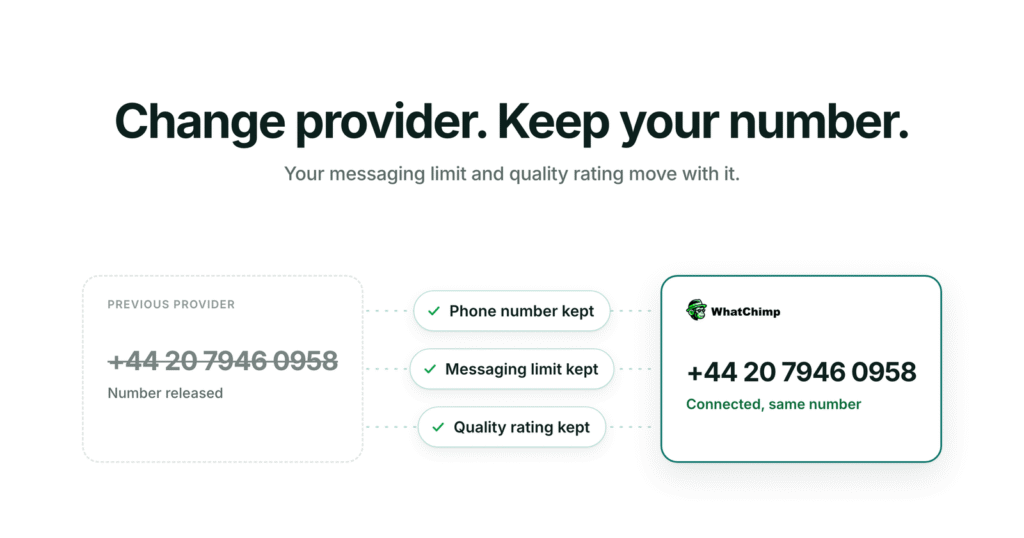
- Moving a WhatsApp Business number to WhatChimp from another provider keeps the phone number, messaging limits and quality rating.
- Two-step verification on the number must be turned off temporarily in the phone number settings before the migration.
- During the WhatChimp connection, choose the same Business Portfolio, WhatsApp Business Account and phone number you used with the previous provider, then register the number.
- Check the Messaging Limit and Quality section afterwards to confirm the messaging quota and quality rating match what you had before.
On this page
Introduction
Migrating your WhatsApp Business account to WhatChimp from another Business Solution Provider (BSP) is straightforward and secure. This guide will walk you through the process step-by-step, ensuring you retain your phone number, messaging limits, and quality rating throughout the transition.
Before You Begin
Make sure you have:
- Access to your Facebook Business Manager account
- Login credentials for your current WhatsApp Business API account
- Admin permissions for the phone number you want to migrate
Step 1: Prepare Your Account for Migration
Access Your Connected Phone Numbers
- (shortcut link) Navigate to whatchimp.com/phone-numbers
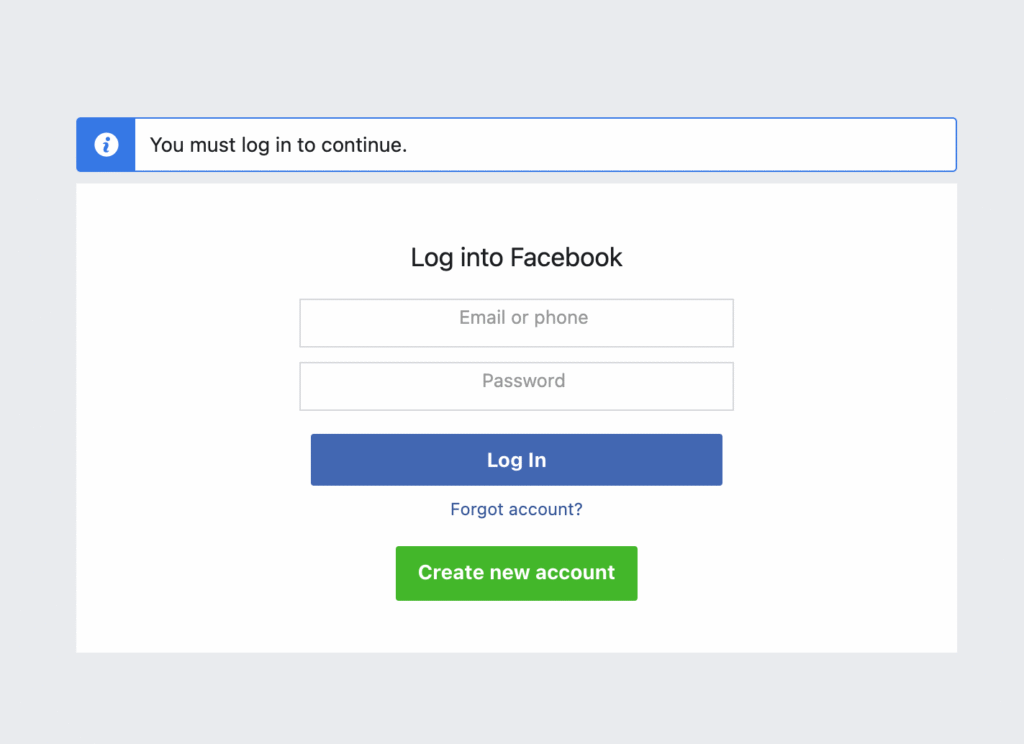
- You’ll be redirected to the Facebook login page
Select Your Business Portfolio
- Log in with your Facebook credentials
- Select the Business Portfolio that contains the phone number you want to migrate

- You’ll see all connected phone numbers under this portfolio, Click the Settings icon next to your phone number

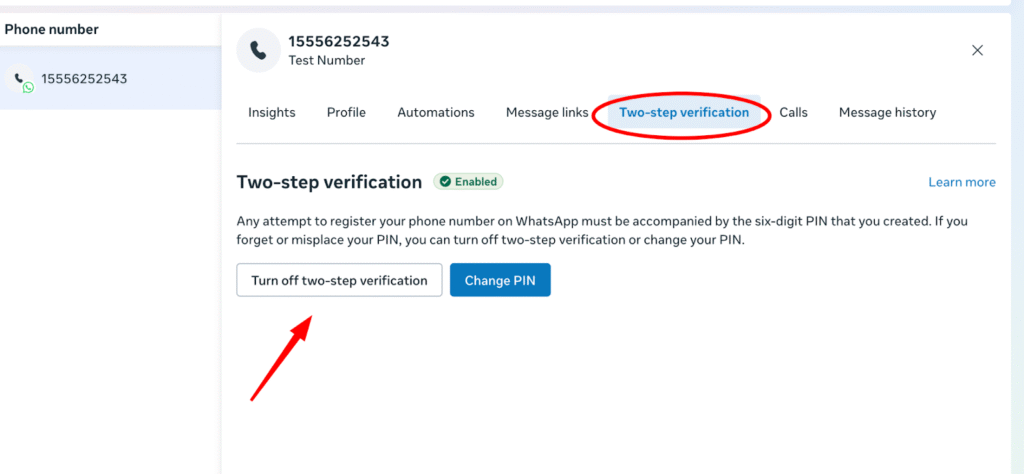
Disable Two-Step Verification
- Click on Two-Step Verification in the settings
- If this feature is currently enabled, disable it temporarily for the migration process
Step 2: Connect Your Number to WhatChimp
Initiate the Connection
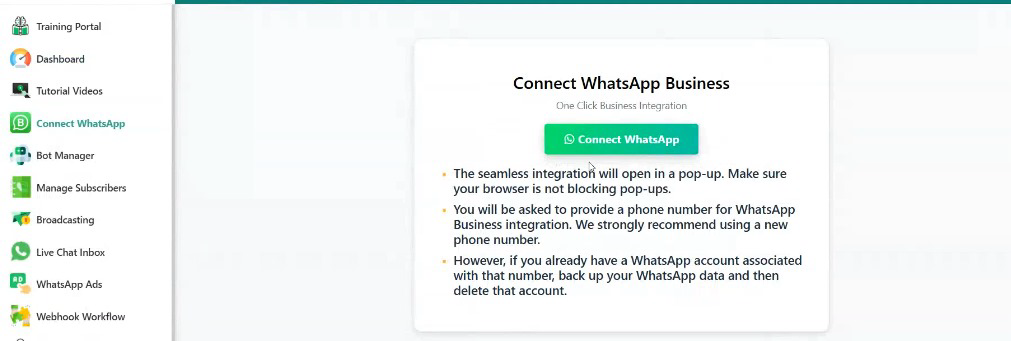
- Log into your WhatChimp account
- Click “Connect WhatsApp”
- Select “Connect (Without Catalog)”
Complete the Connection Process
- Follow the standard WhatsApp connection flow
- Important: Choose the same Business Portfolio, WhatsApp Business Account (WABA), and phone number that you’re migrating from your previous BSP
- Complete the connection process
Register Your Phone Number
- Once connected, scroll down to find the “Register” button and click it
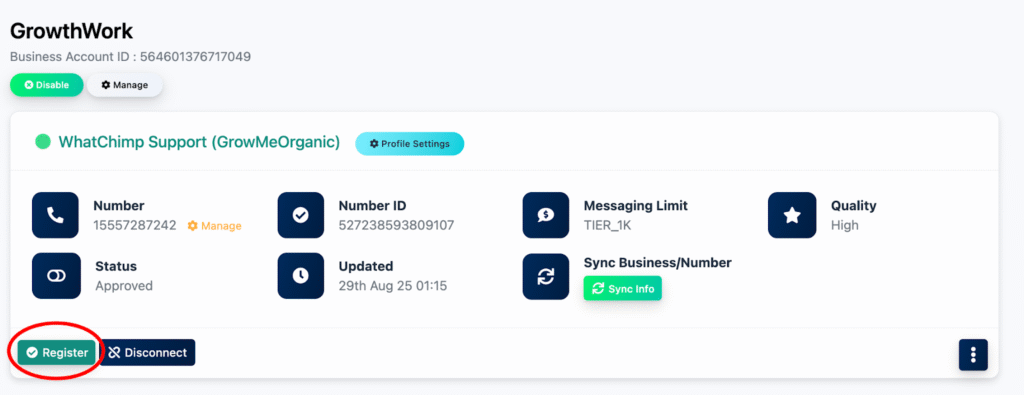
- Enter the registration code: 123456
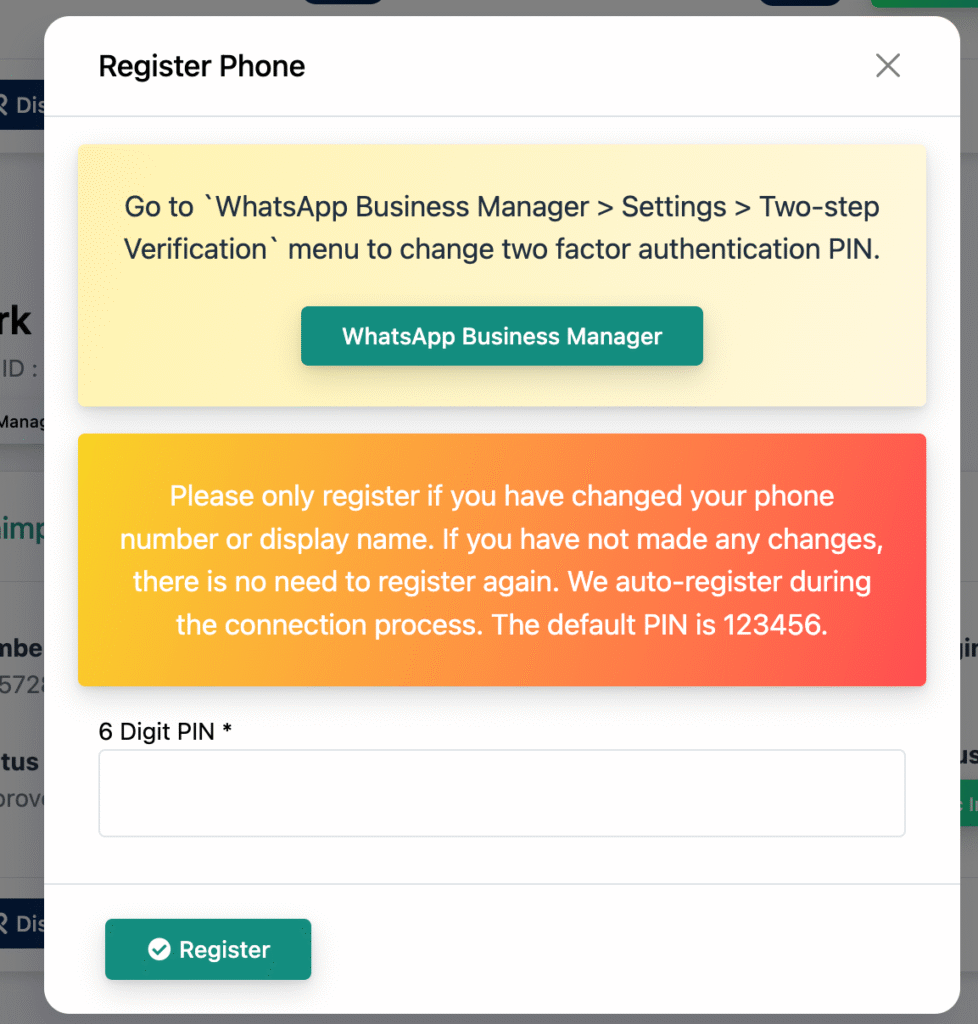
- Wait a few seconds for the success confirmation message

Verify Your Migration
- Navigate to the “Messaging Limit and Quality” section in your WhatChimp dashboard
- Confirm that your messaging quota and quality rating match what you had with your previous BSP

Conclusion
You’ve successfully migrated to WhatChimp! Your phone number, messaging limits, and quality rating have been preserved, allowing you to continue your business communications without interruption.
Need Help? If you encounter any issues during migration, contact WhatChimp’s support team for assistance.